
 by
by Finding the best gaming laptop under $1000 doesn’t mean you have to sacrifice performance for your budget. This guide is perfect for student gamers, casual players, and anyone who wants solid gaming power without breaking the bank.
We’ll break down the essential features that actually make a difference in this price range and share our top laptop picks that deliver the best bang for your buck. You’ll also learn which specs to prioritize when comparing options and discover the smartest ways to score deals that stretch your dollar even further.
Essential Gaming Laptop Features That Matter Most Under $1000
- Graphics Card Performance for Smooth Gameplay
- Processor Power for Multitasking and Speed
- RAM Requirements for Seamless Gaming Experience
- Storage Options That Balance Speed and Capacity
- Best Overall Value Gaming Laptop
- Best Budget Gaming Laptop for Entry-Level Gamers
- Best Mid-Range Option with Premium Features
- Display Quality and Refresh Rate Benefits
- Battery Life Expectations for Gaming Sessions
- Cooling System Performance Under Load
- Port Selection for Gaming Accessories
- Keyboard and Trackpad Quality for Gaming
- Seasonal Sales and Prime Shopping Events
- Manufacturer Direct Offers and Promotions
- Retailer Comparison for Maximum Savings
- Overlooking Thermal Management Issues
- Choosing Style Over Performance
- Ignoring Upgrade Potential and Future-Proofing
Graphics Card Performance for Smooth Gameplay
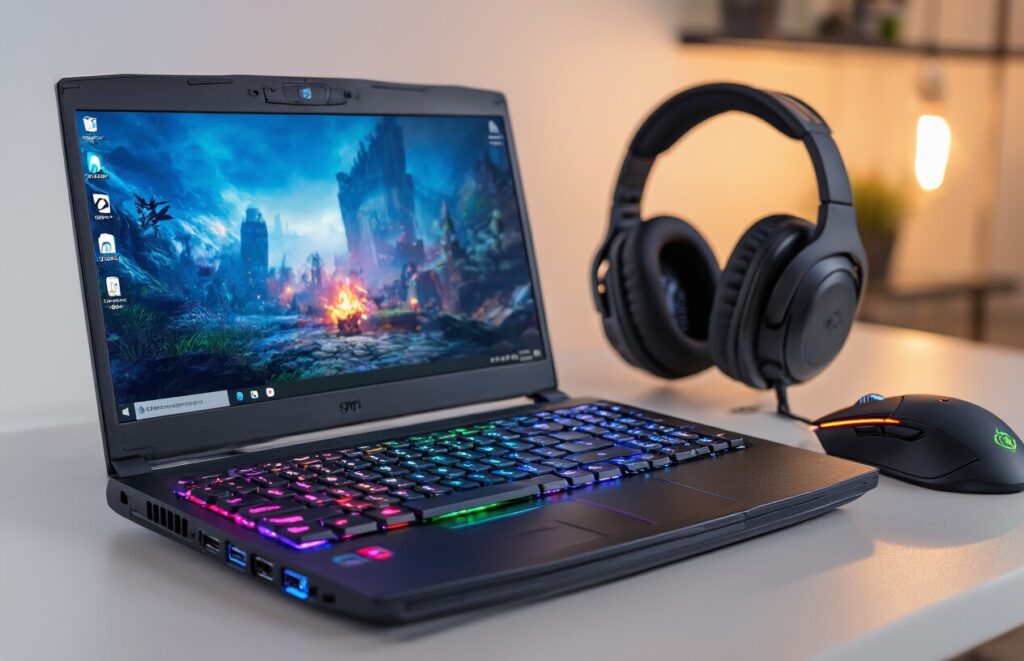
Your graphics card serves as the heart of gaming performance, making or breaking your gaming experience. Within the $1000 budget range, you’ll primarily encounter NVIDIA GTX 1650, GTX 1660 Ti, and RTX 3050 cards, along with AMD’s RX 5500M and RX 6500M options.
The RTX 3050 stands out as the sweet spot for budget gaming, delivering solid 1080p performance at medium to high settings for most modern games. You can expect 60+ fps in popular titles like Fortnite, Valorant, and Rocket League, with slightly reduced settings needed for demanding AAA games like Cyberpunk 2077 or Red Dead Redemption 2.
NVIDIA’s GTX 1660 Ti remains a strong contender, offering excellent price-to-performance ratio. While it lacks ray tracing capabilities, it handles current games smoothly at 1080p with high settings. The GTX 1650, while more budget-friendly, requires setting compromises on newer titles but still provides enjoyable gaming for less demanding games and esports titles.
VRAM capacity matters significantly – aim for cards with at least 4GB VRAM, preferably 6GB. Modern games increasingly demand higher VRAM for texture loading, and insufficient memory leads to stuttering and reduced visual quality.
Processor Power for Multitasking and Speed
Gaming laptops under $1000 typically feature AMD Ryzen 5 or Intel Core i5 processors, both capable of handling modern gaming demands. The Ryzen 5 5600H and Intel Core i5-11400H represent excellent choices, offering 6 cores and 12 threads for smooth multitasking.
These processors easily handle gaming while running background applications like Discord, streaming software, or web browsers. The multi-core performance proves essential when you’re gaming and streaming simultaneously or running productivity software alongside games.
Clock speeds matter, but don’t get caught up in pure numbers. A Ryzen 5 5600H at 3.3GHz base clock often outperforms older processors with higher advertised speeds due to architectural improvements and better IPC (instructions per clock).
Look for processors with boost clocks reaching 4.0GHz or higher for optimal gaming performance. The thermal design also affects sustained performance – better cooling allows processors to maintain higher boost clocks longer during extended gaming sessions.
RAM Requirements for Seamless Gaming Experience
16GB RAM has become the gold standard for gaming laptops, providing the headroom needed for modern games and background applications. While 8GB might seem adequate, many current games consume 6-8GB alone, leaving little room for system processes and other applications.
Dual-channel memory configuration doubles your memory bandwidth, significantly improving performance compared to single-channel setups. Always verify that your chosen laptop includes two RAM sticks rather than a single stick, as this can impact gaming performance by 10-15%.
Memory speed also influences gaming performance, particularly with AMD Ryzen processors. Look for DDR4-3200MHz or faster memory when possible. Many budget gaming laptops include slower DDR4-2666MHz memory, which can bottleneck overall system performance.
Consider upgradeability when making your choice. Some laptops feature soldered RAM that cannot be upgraded, while others include accessible slots for future expansion. Starting with 16GB in a upgradeable configuration provides the best long-term value.
Storage Options That Balance Speed and Capacity
SSDs have revolutionized gaming laptop performance, dramatically reducing load times and improving overall system responsiveness. Within the $1000 budget, prioritize laptops with NVMe SSD primary storage over traditional hard drives.
A 512GB SSD provides adequate space for the operating system, essential software, and several large games. Modern AAA games often require 50-100GB each, so plan your storage accordingly. Some laptops offer dual storage configurations with a smaller SSD for the OS and a larger HDD for game storage.
NVMe PCIe Gen 3 SSDs deliver read speeds of 2,000-3,500 MB/s, while SATA SSDs max out around 550 MB/s. The performance difference translates to faster boot times, quicker level loading, and more responsive file operations during gaming.
Consider laptops with additional M.2 slots or 2.5-inch bays for future storage expansion. Games continue growing in size, and having upgrade options prevents storage limitations from hampering your gaming library growth.
Quality matters more than maximum theoretical speeds for gaming SSDs. Reliable brands like Samsung, Western Digital, and Crucial offer better longevity and consistent performance compared to generic alternatives often found in budget laptops.
Top Gaming Laptop Recommendations Under $1000
Best Overall Value Gaming Laptop
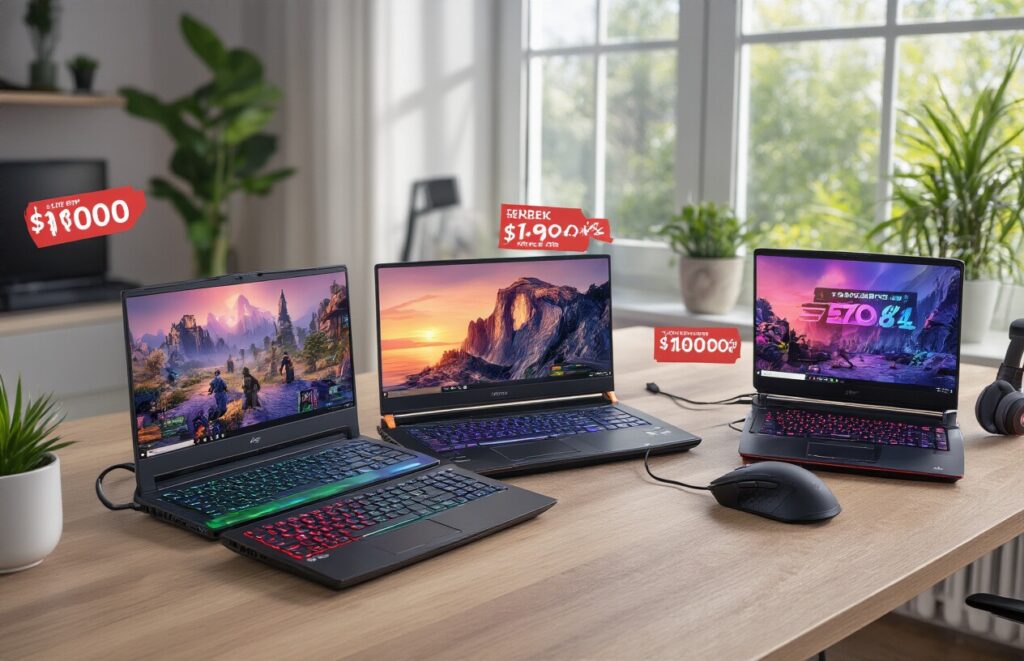
ASUS TUF Gaming F15 stands out as the champion in the under $1000 category, delivering exceptional performance that punches well above its weight class. This powerhouse features an Intel Core i5-11400H processor paired with NVIDIA GeForce RTX 3050 graphics, creating a winning combination for 1080p gaming at medium to high settings.
The 15.6-inch Full HD display with a 144Hz refresh rate transforms your gaming experience, especially in fast-paced shooters and racing games. The laptop’s military-grade durability testing ensures it can handle the wear and tear of daily gaming sessions without breaking a sweat.
What really sets the TUF F15 apart is its thermal management system. The dual-fan cooling keeps temperatures stable even during extended gaming marathons, preventing the dreaded thermal throttling that plagues many budget gaming laptops.
Key specifications:
- Intel Core i5-11400H processor
- NVIDIA GeForce RTX 3050 4GB
- 8GB DDR4 RAM (upgradeable to 32GB)
- 512GB NVMe SSD
- 144Hz Full HD display
The keyboard feels responsive with good key travel, and the RGB backlighting adds that gaming aesthetic without being overly flashy. Battery life reaches about 6-7 hours for general use, though gaming will drain it faster.
Best Budget Gaming Laptop for Entry-Level Gamers
Acer Nitro 5 takes the crown for budget-conscious gamers who want solid performance without breaking the bank. Starting around $650-750, this laptop offers remarkable value with its AMD Ryzen 5 5600H processor and NVIDIA GTX 1650 graphics combination.
The Nitro 5 handles popular esports titles like Valorant, League of Legends, and CS:GO at high frame rates, while AAA games run smoothly at medium settings. The 15.6-inch IPS display delivers vibrant colors and wide viewing angles, making both gaming and content consumption enjoyable.
Build quality feels sturdy despite the plastic construction, and the red accents give it a distinctly gaming-focused appearance. The cooling system works adequately for this price range, though you’ll hear the fans spinning up during intensive gaming sessions.
Notable features:
- AMD Ryzen 5 5600H processor
- NVIDIA GTX 1650 4GB graphics
- 8GB DDR4 RAM
- 256GB NVMe SSD + 1TB HDD
- Full HD IPS display
The keyboard provides decent tactile feedback, and the trackpad responds accurately for general use. Port selection includes multiple USB ports, HDMI output, and Ethernet connectivity, covering all your essential gaming needs.
Best Mid-Range Option with Premium Features
MSI GF65 Thin bridges the gap between budget and premium gaming laptops, offering features typically found in higher-end models while staying under the $1000 threshold. The sleek aluminum chassis gives it a professional appearance that works equally well in gaming setups and office environments.
The Intel Core i7-10750H processor paired with NVIDIA RTX 3060 graphics delivers impressive performance across the gaming spectrum. Ray tracing becomes accessible at this price point, allowing you to experience enhanced lighting and reflections in supported games like Cyberpunk 2077 and Control.
The 15.6-inch display features a blazing-fast 144Hz refresh rate with excellent color reproduction. The thin bezels create an immersive viewing experience, while the anti-glare coating reduces eye strain during long gaming sessions.
Premium specifications:
- Intel Core i7-10750H processor
- NVIDIA GeForce RTX 3060 6GB
- 16GB DDR4 RAM
- 512GB NVMe SSD
- 144Hz Full HD anti-glare display
- SteelSeries RGB keyboard
The SteelSeries-designed keyboard feels premium with per-key RGB lighting customization through SteelSeries Engine software. The cooling system features multiple heat pipes and fans that keep the system running cool and quiet, even under heavy loads.
Audio quality impresses with Nahimic 3D sound enhancement, delivering spatial audio that gives you a competitive edge in multiplayer games. The laptop weighs just 4.1 pounds, making it surprisingly portable for a gaming machine with this level of performance.
Key Specifications to Compare Before Buying
Display Quality and Refresh Rate Benefits
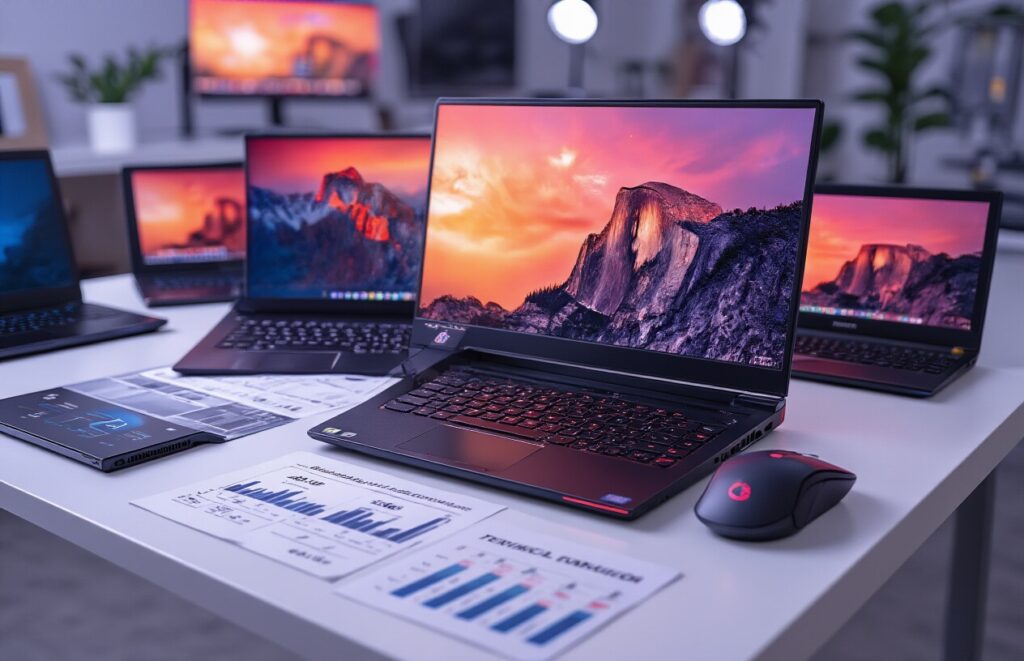
Screen quality makes or breaks your gaming experience, especially when you’re working with a tight budget. Look for laptops with IPS panels that deliver consistent colors and wide viewing angles – you’ll notice the difference immediately compared to cheaper TN panels that wash out when you move your head.
Resolution matters, but 1080p remains the sweet spot for gaming laptops under $1000. Higher resolutions like 1440p will crush performance on budget graphics cards, leaving you with choppy framerates. Stick with Full HD and invest in better refresh rates instead.
Speaking of refresh rates, 120Hz or 144Hz displays transform competitive gaming. The smoother motion gives you a real advantage in fast-paced shooters and racing games. Your eyes will track moving objects more easily, and input lag drops noticeably. Some budget laptops still ship with 60Hz panels – avoid these if serious gaming is your goal.
Color accuracy varies wildly in this price range. Aim for displays covering at least 72% of the NTSC color gamut or 45% NTSC. Gaming looks more vibrant, and you’ll appreciate the difference in dark scenes where cheaper panels crush shadow details.
Battery Life Expectations for Gaming Sessions
Gaming laptops and long battery life don’t mix well, especially in the budget category. Most gaming laptops under $1000 deliver 2-4 hours of actual gaming time on battery power. This drops to 1-2 hours when running demanding AAA titles at high settings.
Plan your gaming sessions around power outlets. The discrete graphics cards and high-refresh displays drain batteries quickly. Even with power-saving modes, expect significantly reduced performance when unplugged – your laptop will throttle the CPU and GPU to preserve battery life.
Non-gaming tasks fare better. Web browsing, document editing, and video streaming can stretch battery life to 5-7 hours on many models. The key is switching to integrated graphics when you’re not gaming.
| Activity | Expected Battery Life |
| Gaming (High Settings) | 1-2 hours |
| Gaming (Medium Settings) | 2-3 hours |
| Web Browsing | 5-7 hours |
| Video Streaming | 4-6 hours |
| Productivity Tasks | 6-8 hours |
Cooling System Performance Under Load
Thermal management separates decent gaming laptops from frustrating ones. Poor cooling leads to thermal throttling, where your CPU and GPU slow down to prevent overheating. This kills performance right when you need it most.
Look for laptops with dual-fan cooling systems and multiple heat pipes. Single-fan designs struggle with modern gaming workloads. The best budget gaming laptops use copper heat pipes to transfer heat away from the processors efficiently.
Fan noise is unavoidable during gaming sessions. Quality cooling systems ramp up gradually and maintain consistent temperatures rather than cycling between quiet and jet-engine loud. Read reviews specifically mentioning thermal performance – some laptops hit 90°C+ under load, which shortens component lifespan.
Undervolting can help if you’re comfortable with basic tweaking. This reduces heat output without sacrificing performance, but not all laptops support it due to manufacturer restrictions.
Port Selection for Gaming Accessories
Modern gaming demands multiple connections for peripherals, external monitors, and charging devices. USB-A ports remain essential for most gaming mice, keyboards, and controllers – aim for at least three ports total.
USB-C with DisplayPort support opens up 4K monitor connectivity and future-proofs your setup. Some budget laptops skip this feature entirely, which limits your expansion options down the road.
HDMI output is non-negotiable for connecting to external displays or TVs. HDMI 2.0 supports 4K at 60Hz, while older HDMI 1.4 caps out at 4K 30Hz. Check the specification carefully.
Ethernet jacks provide stable, low-latency connections for competitive gaming. WiFi 6 is nice to have, but wired connections remain superior for gaming. Some ultrabook-style gaming laptops sacrifice the ethernet port for thinness – consider whether this trade-off works for you.
Audio jacks might seem basic, but separate headphone and microphone inputs offer better quality than combined 3.5mm ports. Gaming headsets often perform better with dedicated connections.
Keyboard and Trackpad Quality for Gaming
Keyboard quality varies dramatically across budget gaming laptops. Mechanical keyboards are rare in this price range, but good membrane keyboards can still provide decent tactile feedback and key travel. Avoid keyboards that feel mushy or have excessive flex.
RGB backlighting looks cool but prioritize functionality over flashy colors. Ensure the lighting is bright enough for dark environments and won’t fade over time. Some budget laptops use cheap LED implementations that die within months.
Key layout matters for gaming. Look for full-sized arrow keys, properly positioned function keys, and no awkward key spacing. Some manufacturers cram keyboards into compact chassis, creating cramped layouts that hurt gaming performance.
WASD key durability deserves special attention since these keys endure constant use in most games. Double-shot keycaps resist wear better than printed legends that fade over time.
Trackpads rarely matter for serious gaming since you’ll use a dedicated mouse. However, decent trackpad quality indicates overall build attention to detail. Precision touchpads with good palm rejection make the laptop more pleasant for non-gaming use.
Gaming-specific features like anti-ghosting (NKRO) and programmable macro keys add value but aren’t essential in the budget category. Focus on solid basic performance over flashy extras.
Where to Find the Best Deals and Discounts
Seasonal Sales and Prime Shopping Events
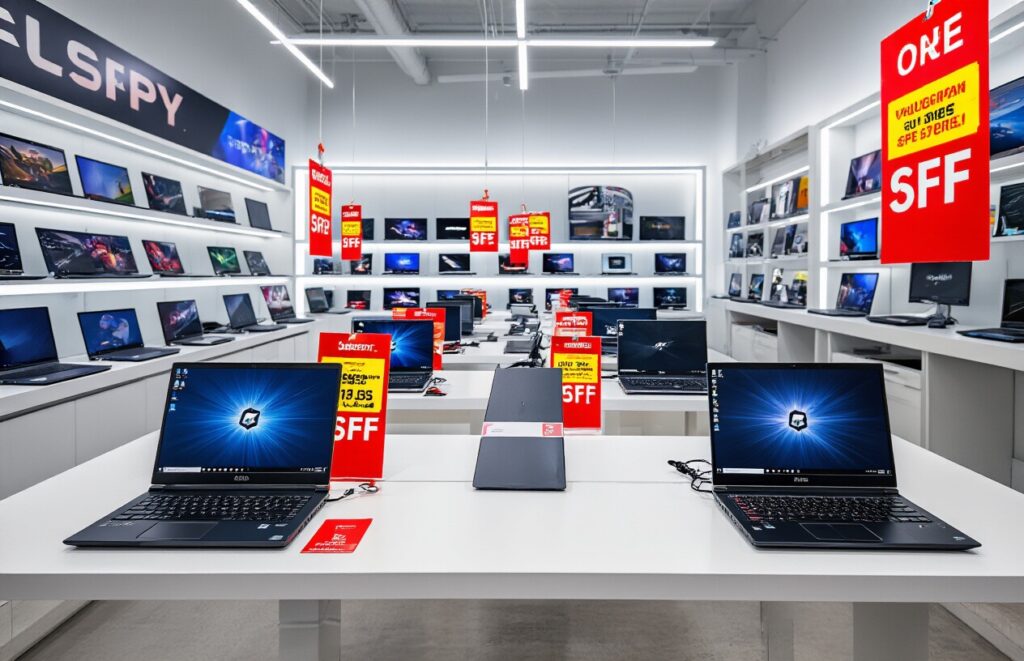
Black Friday and Cyber Monday remain the ultimate hunting grounds for gaming laptop deals, with discounts often reaching 20-40% off regular prices. Major retailers like Best Buy, Amazon, and Newegg typically slash prices on popular gaming models during these peak shopping periods. Back-to-school sales in July and August also present excellent opportunities, as retailers clear inventory for incoming models.
Amazon Prime Day has become increasingly valuable for gaming laptop shoppers, offering exclusive deals that rival Black Friday pricing. The event typically occurs twice yearly – once in July and again in October. Prime members gain access to lightning deals that can disappear within hours, making it essential to add desired models to your wishlist beforehand.
Holiday shopping seasons around Christmas and New Year bring additional waves of discounts. Memorial Day and Labor Day weekends often feature surprise sales on gaming hardware. Gaming-specific events like Steam Sales periods frequently coincide with laptop promotions, as manufacturers capitalize on increased gaming interest.
Manufacturer Direct Offers and Promotions
ASUS Republic of Gamers (ROG) frequently runs direct promotions through their website, offering bundle deals that include gaming mice, headsets, or extended warranties. HP’s Omen gaming division provides student discounts up to 10% year-round, plus special financing options during promotional periods.
Dell’s gaming subsidiary Alienware and their G-series laptops benefit from Dell’s aggressive direct-to-consumer pricing. Their outlet section features refurbished and open-box gaming laptops at substantial discounts, often with full manufacturer warranties intact.
MSI Gaming runs quarterly clearance events on previous-generation models, creating opportunities to snag high-performance laptops as newer models launch. Lenovo Legion series frequently appears in flash sales on their official website, sometimes offering better pricing than third-party retailers.
Manufacturer newsletters and social media accounts announce flash sales and exclusive coupon codes. Signing up for these communications often provides early access to deals before they go public.
Retailer Comparison for Maximum Savings
| Retailer | Strengths | Best For |
| Amazon | Fast shipping, easy returns, Prime benefits | Impulse buys, wide selection |
| Best Buy | Price matching, Geek Squad support | Local pickup, extended warranties |
| Newegg | Tech-focused, shell shocker deals | Gaming enthusiasts, bulk purchases |
| Costco | Extended warranties, excellent return policy | Bulk buyers, warranty seekers |
| Micro Center | In-store expertise, open-box deals | Local availability, technical support |
Price tracking tools like CamelCamelCamel and Keepa help monitor pricing history on Amazon, revealing the best times to buy specific models. Honey’s browser extension automatically applies coupon codes at checkout and tracks price drops across multiple retailers.
B&H Photo often matches Amazon pricing while offering better customer service and no sales tax in many states. Their used equipment section sometimes features excellent gaming laptop deals from trade-ins.
Walmart’s online marketplace has emerged as a competitive option, especially during their special events. Their rollback pricing occasionally beats major electronics retailers on specific gaming models.
Credit card rewards programs can add another 1-5% savings layer. Cards like the Amazon Prime Rewards Visa or Best Buy’s store card provide additional cashback on electronics purchases, effectively stacking discounts.
Common Mistakes to Avoid When Buying Gaming Laptops

Overlooking Thermal Management Issues
Gaming laptops generate serious heat, and many buyers completely ignore this reality until their shiny new machine starts throttling performance or sounds like a jet engine. The cramped internal space of laptops makes cooling a constant challenge, especially in budget models where manufacturers often cut corners on thermal solutions.
Poor thermal management leads to CPU and GPU throttling, where your components automatically reduce performance to prevent overheating. This means the powerful specs you paid for become meaningless when your laptop can’t maintain peak performance during extended gaming sessions. Look for laptops with dedicated cooling zones, multiple heat pipes, and strategically placed vents.
Pay attention to reviews that specifically mention thermal performance and fan noise levels. Some budget gaming laptops become uncomfortably hot to touch or create distracting fan noise that ruins your gaming experience. Check if the laptop has adequate ventilation space and avoid models with intake vents on the bottom if you plan to game on beds or couches.
Choosing Style Over Performance
RGB lighting, aggressive angular designs, and flashy logos might catch your eye, but they don’t improve your frame rates. Many budget gaming laptops allocate precious dollars to aesthetic features instead of better internal components. That rainbow keyboard backlight won’t help when you’re struggling with low frame rates in demanding games.
Focus on the actual hardware specifications rather than visual appeal. A plain-looking laptop with a better GPU will always outperform a stylish one with weaker internals. Gaming performance comes from your processor, graphics card, RAM, and storage speed – not from how many colored lights blink on your keyboard.
Some manufacturers charge premium prices for “gaming” aesthetics while using entry-level components. Compare the actual specs between a flashy gaming laptop and a more subdued model at the same price point. Often, the boring-looking option delivers significantly better performance per dollar.
Ignoring Upgrade Potential and Future-Proofing
Budget gaming laptops already push the limits of what’s possible at their price point, making upgradability crucial for extending their useful life. Many buyers focus solely on current performance without considering how their needs might change or how games will demand more resources in the coming years.
Check which components can be upgraded before making your purchase. RAM and storage are typically the most accessible upgrade paths. Look for laptops with at least one available RAM slot and an additional M.2 slot for future SSD expansion. Soldered RAM severely limits your upgrade options and should be avoided when possible.
Consider the laptop’s port selection and connectivity options. USB-A ports, multiple USB-C connections, and a reliable ethernet port ensure compatibility with current and future peripherals. Wi-Fi 6 support and Bluetooth 5.0 or newer help future-proof your wireless connectivity needs.
Battery life also matters for longevity. While gaming laptops aren’t known for marathon battery performance, choosing a model with decent battery capacity ensures you can still use the laptop for non-gaming tasks when away from power outlets. A laptop that dies after two hours of basic web browsing becomes impractical quickly.
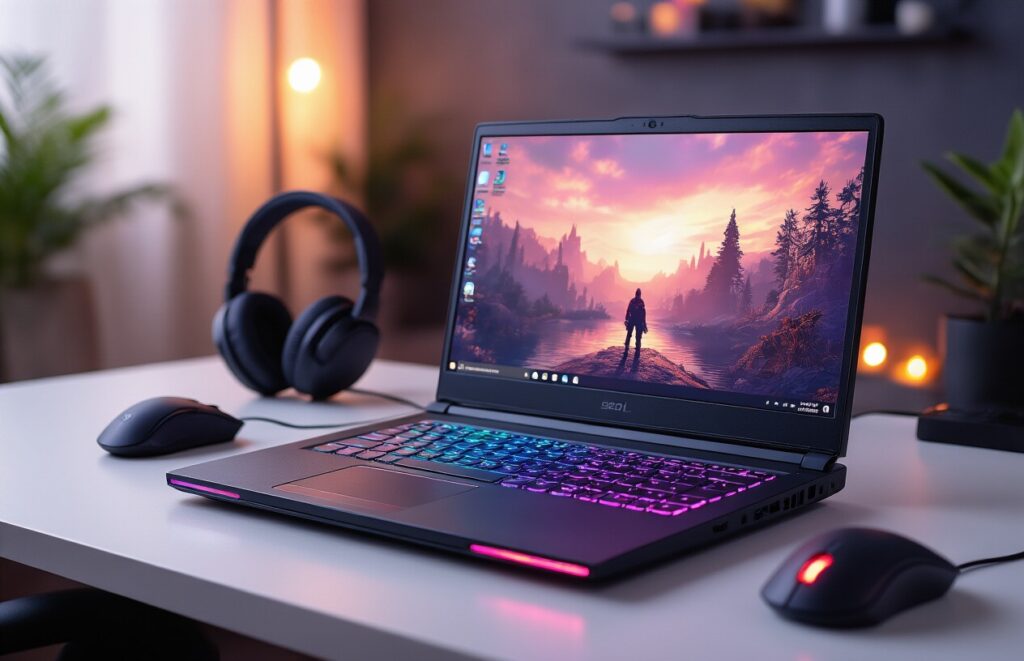
Finding the perfect gaming laptop under $1000 doesn’t have to feel overwhelming when you know what to look for. Focus on the essentials like a dedicated graphics card, solid processor, and enough RAM to handle your favorite games smoothly. The laptops we’ve covered offer excellent value, balancing performance with affordability to give you the best gaming experience possible without breaking the bank.
Remember to compare key specs carefully and keep an eye out for seasonal sales and student discounts to stretch your budget even further. Avoid the common traps like prioritizing flashy features over core performance or rushing into a purchase without reading reviews. Take your time, do your research, and you’ll find a gaming laptop that delivers great performance and keeps you gaming happily for years to come.
